HALauncher - Android TV
* Attention * Android TV of "All version" can not use this app as home
app! When google's apps are updated, they change system settings
automatically and stop to use other than default home app. Even it's
older than Android 6.0...
https://code.google.com/p/android/issues/detail?id=191828
[Update 2017/04/08] Following command was banned by Google's security update.
$ adb shell pm hide com.google.android.leanbacklauncher
So, if you was using HALauncher as home app by this, maybe OS would be unstable. Sorry.
* Attention * Android TV 7.1.1 has some problems. "Landscape lock" and "Blue Light Filter" are not working fine...
https://code.google.com/p/android/issues/detail?id=230100
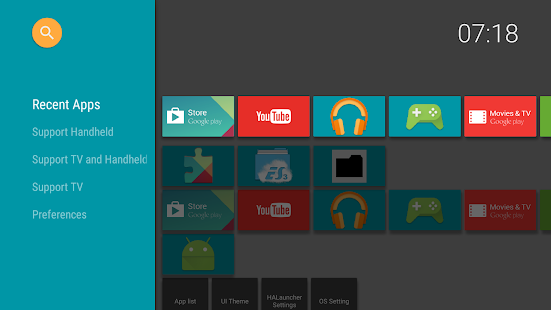
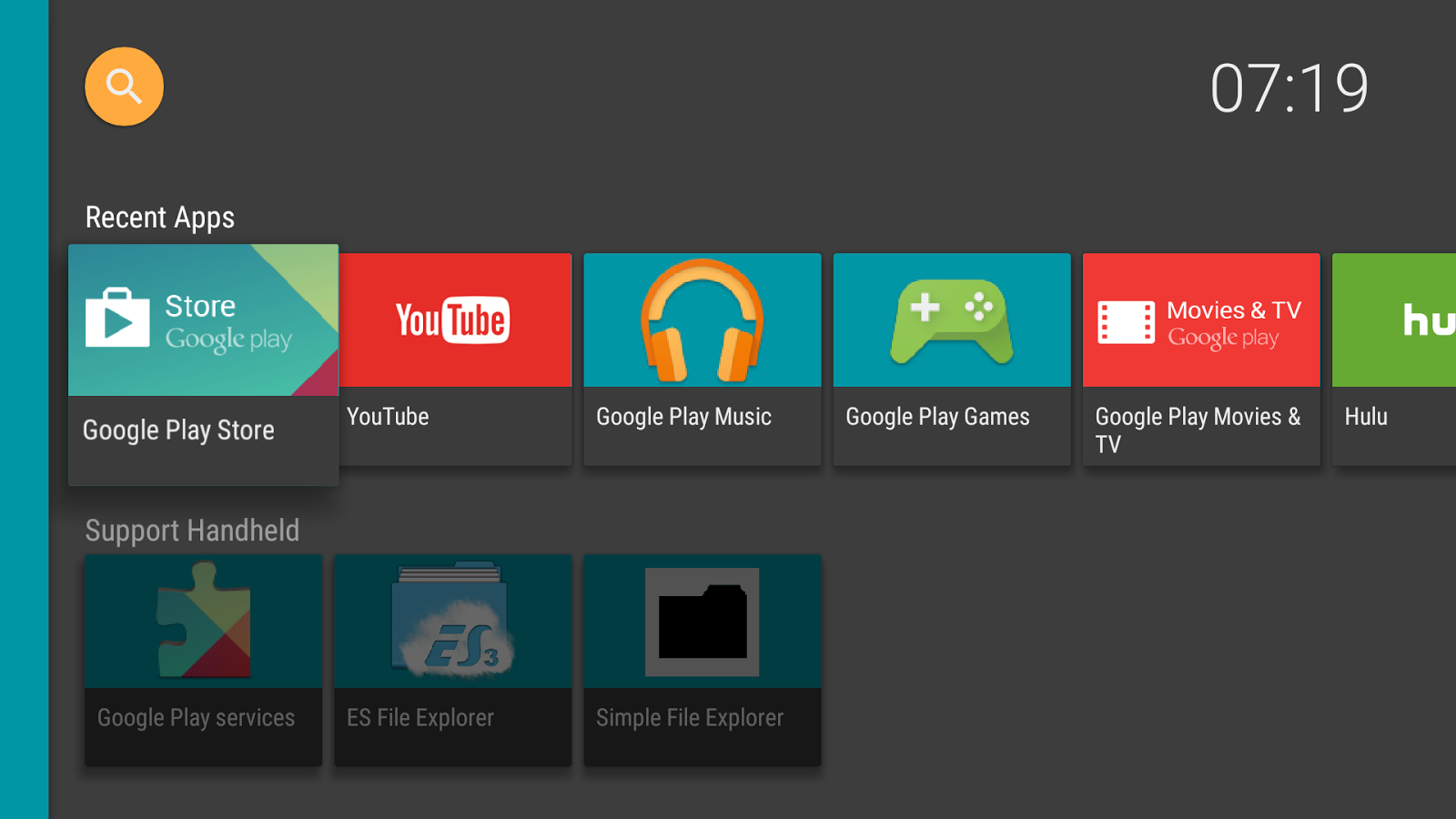
"HALauncher" is a launcher for displaying and opening non-Android TV applications quickly on the Nexus Player, ADT-1, Nvidia Shield and the Razor Forge, Fire TV.
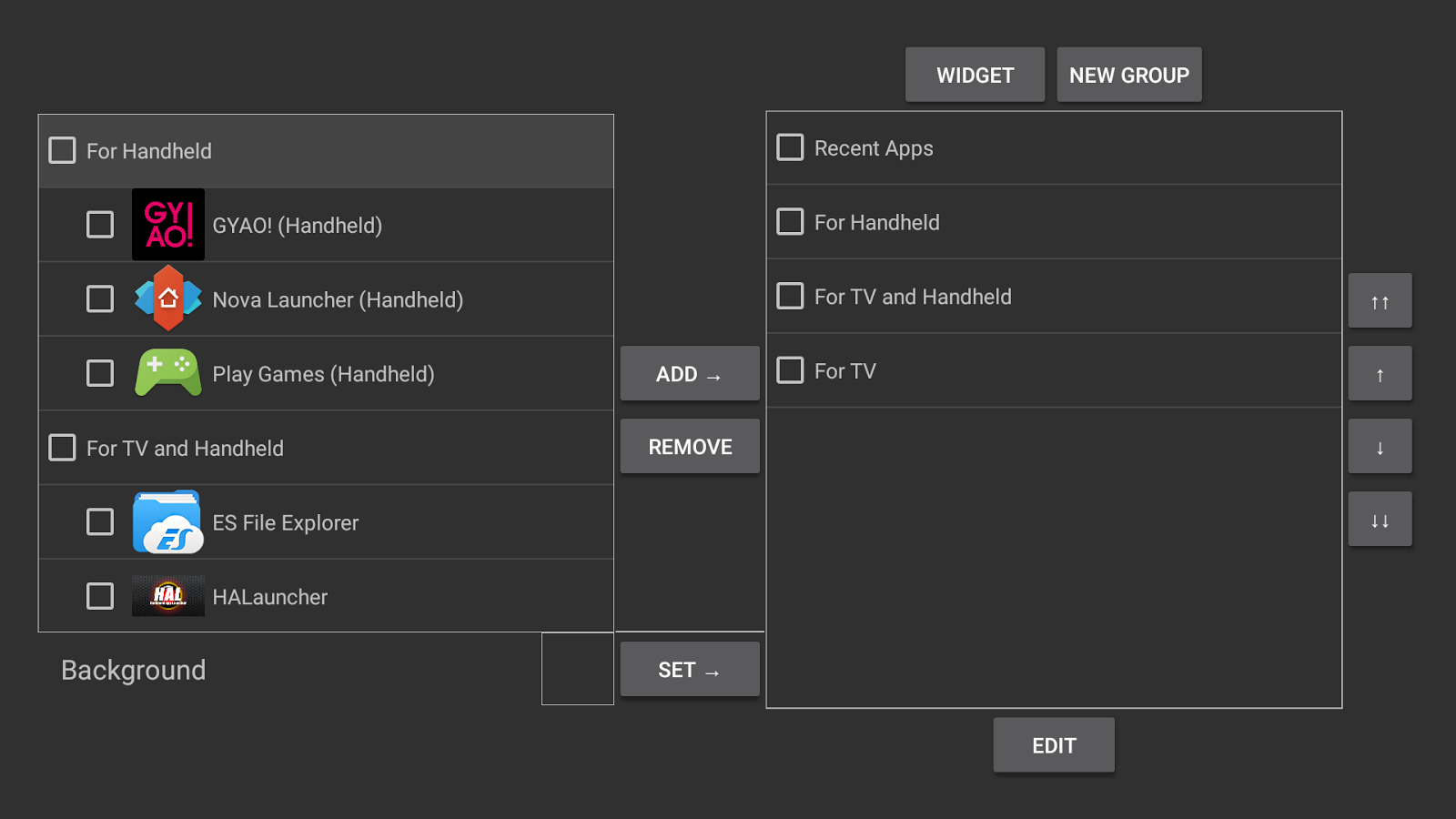
Usually, Android TV's home launcher doesn't show sideloaded apps. By using the "HALauncher", you can display and run apps designed for smartphones and tablets using a 1-click operation.
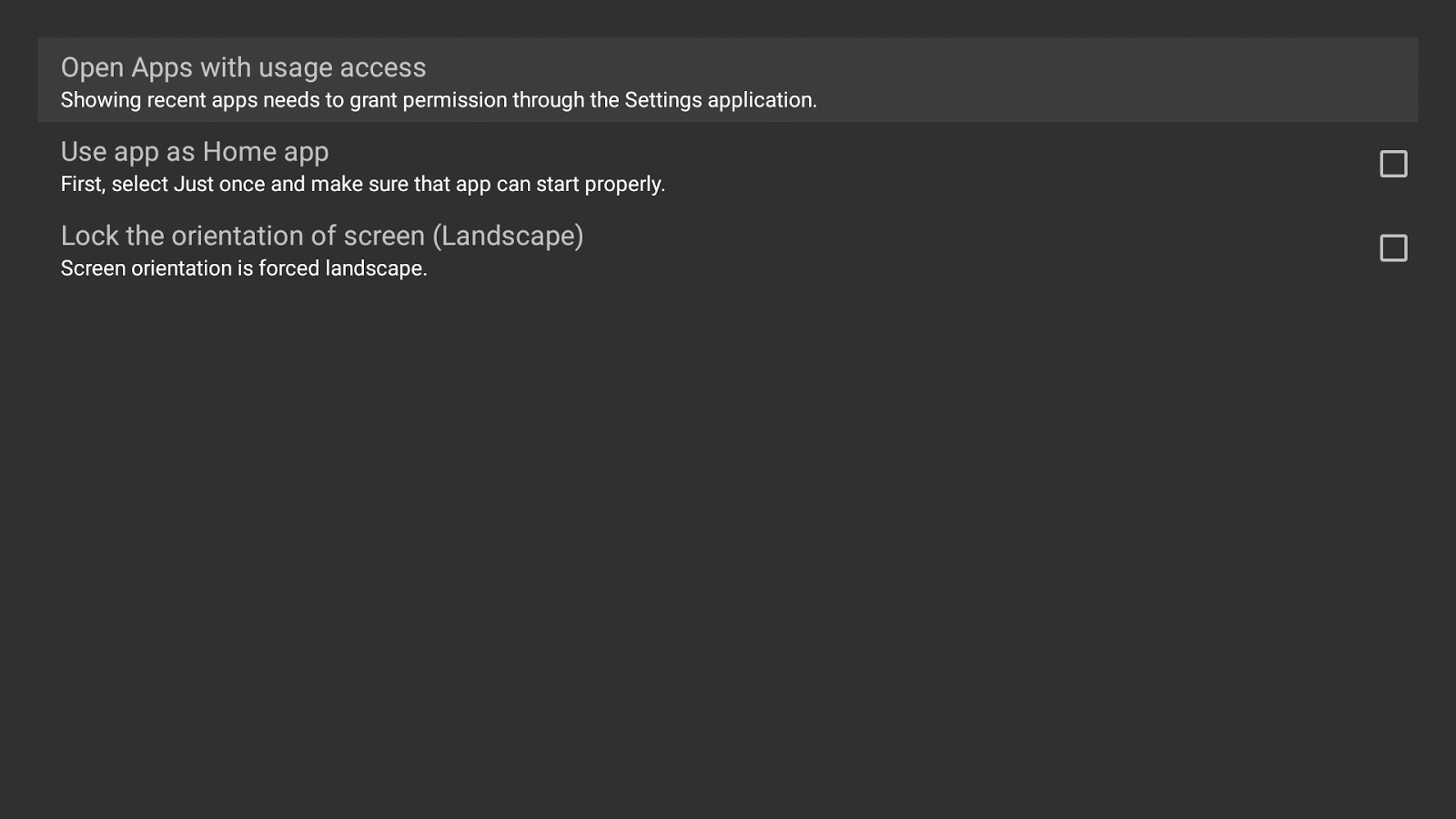
You can use this app as your home launcher instead of default launcher. Please select this setting in "HALauncher Settings" preference. Android TV's launcher and the HALauncher can co-exist.
This launcher is recommended for all users who sideload apps and all apps will be available in the “Apps List” section.
HALauncher was designed using Android 5.0 material Design so it fits right in with the Android TV. It is highly customizable allowing you to change the color scheme, background graphic, icon graphic, add widgets to the home screen and remove the side panel completely to facilitate a cleaner home screen appearance.
HALauncher lets you lock the screen orientation to horizontal and create shortcuts to applications, webpages, IPTV channels and videos stored on your harddrive by using the “Create Shortcut” feature.
If you sideload apps on any Android TV device, you need HALauncher!
[About translation]
The messages are managed on the following spreadsheet. If you found the incorrect messages, please fix them. I will apply them at the next update.
https://docs.google.com/spreadsheets/d/17zcyXPRCaso6ebMtPsWHboPsZXNzycDPfPCTMerzuWs/edit?usp=sharing
[v1.5.1-]
Added ads.(*)
* You can disable ads for free. Uncheck "Show ads" in [Settings]->[HALauncher Settings].
https://code.google.com/p/android/issues/detail?id=191828
[Update 2017/04/08] Following command was banned by Google's security update.
$ adb shell pm hide com.google.android.leanbacklauncher
So, if you was using HALauncher as home app by this, maybe OS would be unstable. Sorry.
* Attention * Android TV 7.1.1 has some problems. "Landscape lock" and "Blue Light Filter" are not working fine...
https://code.google.com/p/android/issues/detail?id=230100
"HALauncher" is a launcher for displaying and opening non-Android TV applications quickly on the Nexus Player, ADT-1, Nvidia Shield and the Razor Forge, Fire TV.
Usually, Android TV's home launcher doesn't show sideloaded apps. By using the "HALauncher", you can display and run apps designed for smartphones and tablets using a 1-click operation.
You can use this app as your home launcher instead of default launcher. Please select this setting in "HALauncher Settings" preference. Android TV's launcher and the HALauncher can co-exist.
This launcher is recommended for all users who sideload apps and all apps will be available in the “Apps List” section.
HALauncher was designed using Android 5.0 material Design so it fits right in with the Android TV. It is highly customizable allowing you to change the color scheme, background graphic, icon graphic, add widgets to the home screen and remove the side panel completely to facilitate a cleaner home screen appearance.
HALauncher lets you lock the screen orientation to horizontal and create shortcuts to applications, webpages, IPTV channels and videos stored on your harddrive by using the “Create Shortcut” feature.
If you sideload apps on any Android TV device, you need HALauncher!
[About translation]
The messages are managed on the following spreadsheet. If you found the incorrect messages, please fix them. I will apply them at the next update.
https://docs.google.com/spreadsheets/d/17zcyXPRCaso6ebMtPsWHboPsZXNzycDPfPCTMerzuWs/edit?usp=sharing
[v1.5.1-]
Added ads.(*)
* You can disable ads for free. Uncheck "Show ads" in [Settings]->[HALauncher Settings].
What's New
- Add option to show the current date, IP address, SSID on main screen.
- Add option to remove suffix of app name.
- Translations have been updated. Thank you for your cooperation.
- Supported Russian. Thank you for your cooperation.
- Fixed a minor problem.
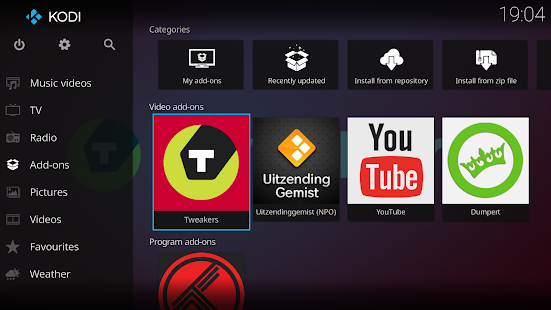
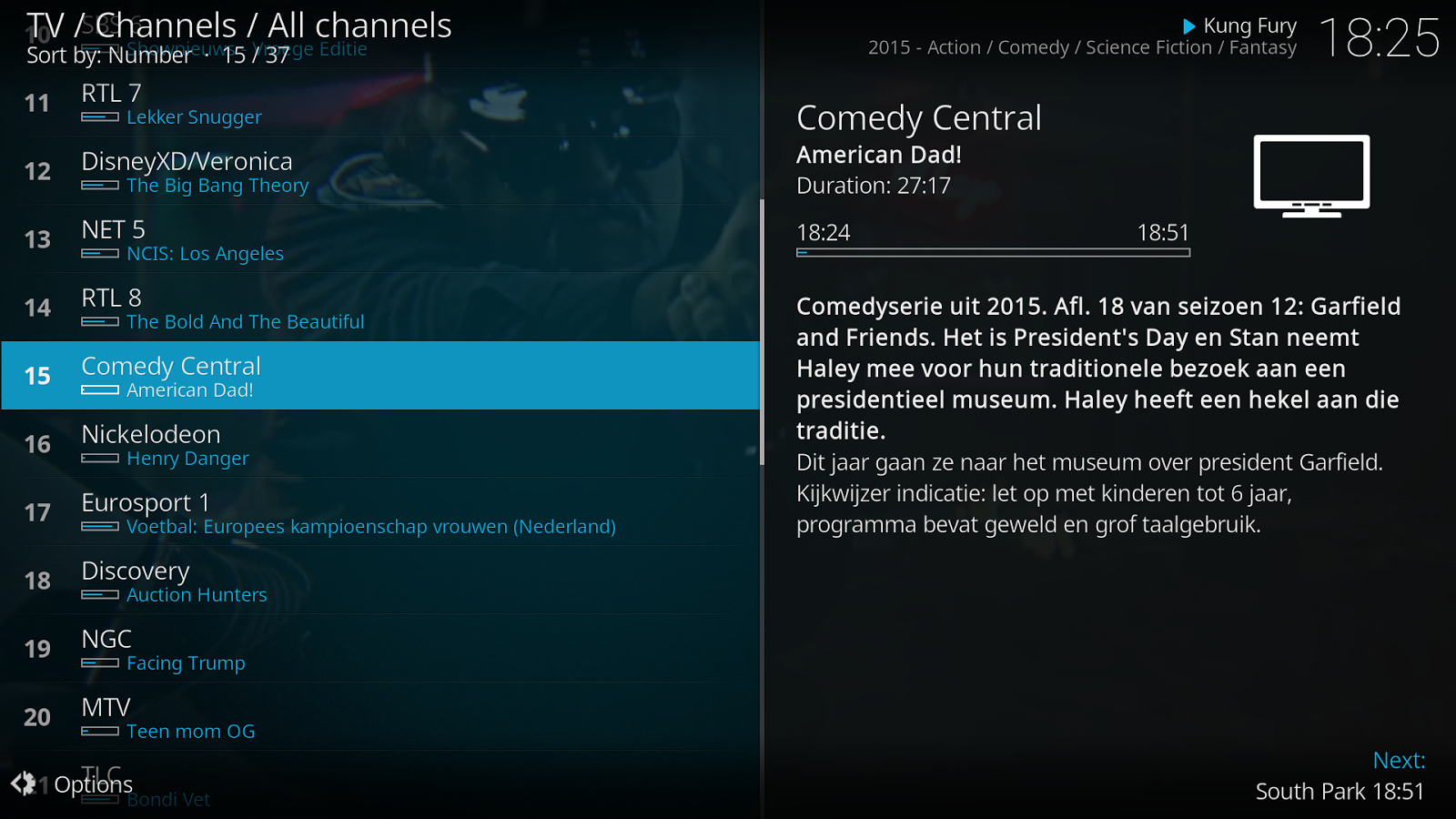
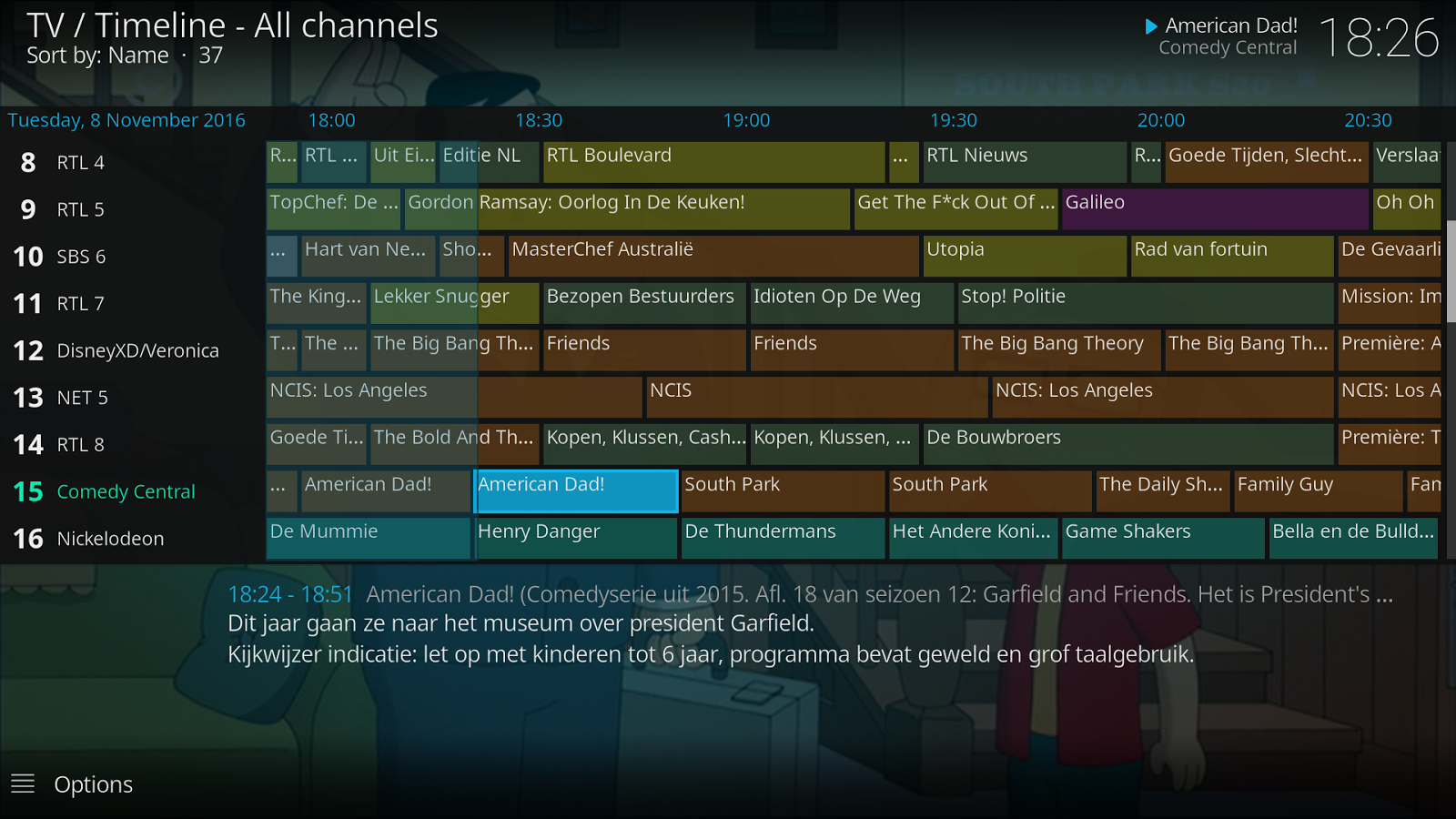
Kodi
Kodi® media center is an award-winning free and open source
cross-platform software media player and entertainment hub for digital
media for HTPCs (Home theater PCs). It uses a 10-foot user interface
designed to be a media player for the living-room, using a remote
control as the primary input device. Its graphical user interface (GUI)
allows the user to easily browse and view videos, photos, podcasts, and
music from a harddrive, optical disc, local network, and the internet
using only a few buttons.
IMPORTANT:
The official Kodi version does not contain any content what so ever. This means that you should provide your own content from a local or remote storage location, DVD, Blu-Ray or any other media carrier that you own. Additionally Kodi allows you to install third-party plugins that may provide access to content that is freely available on the official content provider website. Any other means of watching illegal content which would otherwise be paid for is not endorsed or approved by Team Kodi.
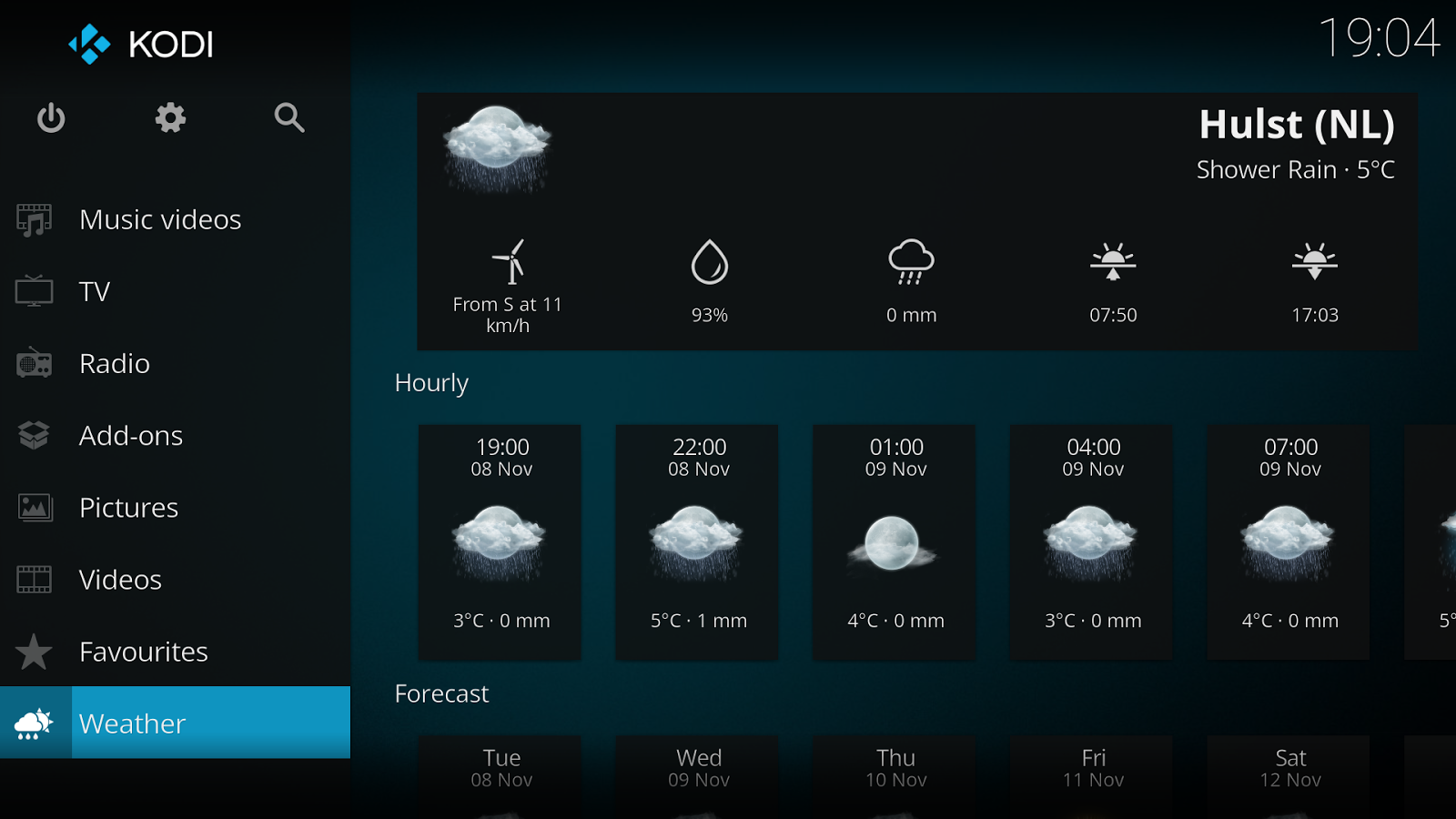
Estuary is the new standard skin and is designed to be fast and user friendly.
With the skin Estouchy, Kodi has now been enhanced to better work with larger 5" or up phones and tablets. Kodi is not designed or recommended for use with smaller phones.
Disclaimer:
- Kodi does not supply or include any media or content.
- Users must provide their own content or install one of the third party plug-ins
- Kodi has no affiliation with any third-part plug-in or add-on provider what so ever.
- We do not endorse the streaming of copyright protected material without permission of the copyright holder.
- In order to upgrade from a previous version you must have installed an official released version by Team Kodi. Any other version may cause failure to upgrade.
License and development:
Kodi® is a trademark of the XBMC Foundation. For further details you can visit http://kodi.wiki/view/Official:Trademark_Policy
Kodi® is fully Open-Source and released under the GPLv2.0+ license. It includes many third-party libraries which use compatible licenses. Due to the inclusion of some GPLv3.0 libraries the entire application becomes GPLv3.0 as binary.
Should you wish to help on future development you can do so by visiting our forum for further questions.
IMPORTANT:
The official Kodi version does not contain any content what so ever. This means that you should provide your own content from a local or remote storage location, DVD, Blu-Ray or any other media carrier that you own. Additionally Kodi allows you to install third-party plugins that may provide access to content that is freely available on the official content provider website. Any other means of watching illegal content which would otherwise be paid for is not endorsed or approved by Team Kodi.
Estuary is the new standard skin and is designed to be fast and user friendly.
With the skin Estouchy, Kodi has now been enhanced to better work with larger 5" or up phones and tablets. Kodi is not designed or recommended for use with smaller phones.
Disclaimer:
- Kodi does not supply or include any media or content.
- Users must provide their own content or install one of the third party plug-ins
- Kodi has no affiliation with any third-part plug-in or add-on provider what so ever.
- We do not endorse the streaming of copyright protected material without permission of the copyright holder.
- In order to upgrade from a previous version you must have installed an official released version by Team Kodi. Any other version may cause failure to upgrade.
License and development:
Kodi® is a trademark of the XBMC Foundation. For further details you can visit http://kodi.wiki/view/Official:Trademark_Policy
Kodi® is fully Open-Source and released under the GPLv2.0+ license. It includes many third-party libraries which use compatible licenses. Due to the inclusion of some GPLv3.0 libraries the entire application becomes GPLv3.0 as binary.
Should you wish to help on future development you can do so by visiting our forum for further questions.
What's New
Kodi v17.4 contains several general bugfixes and improvements for Android Oreo. Visit http://kodi.tv for more information.
VLC for Android
VLC media player is a free and open source cross-platform multimedia
player that plays most multimedia files as well as discs, devices, and
network streaming protocols.
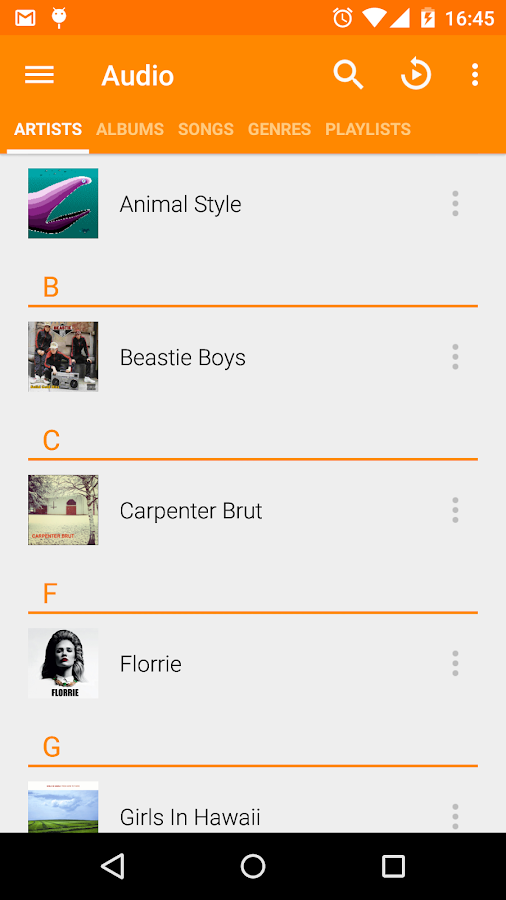
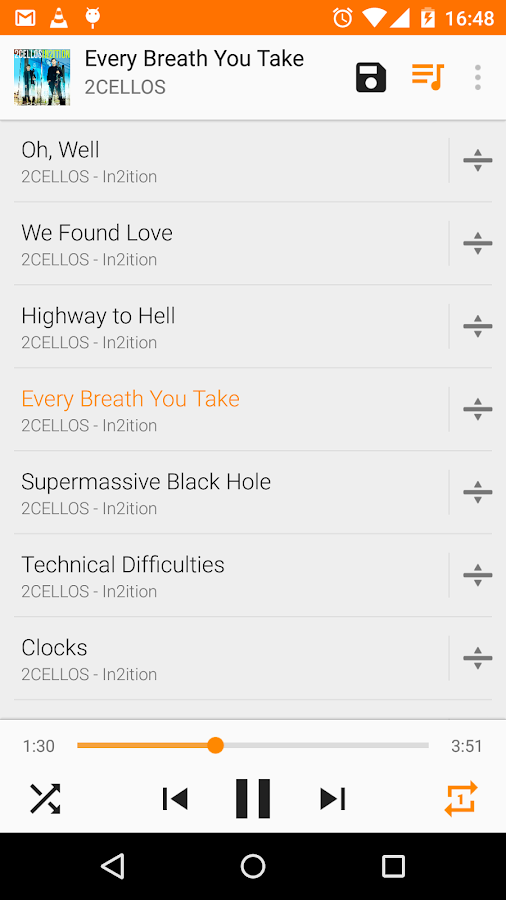
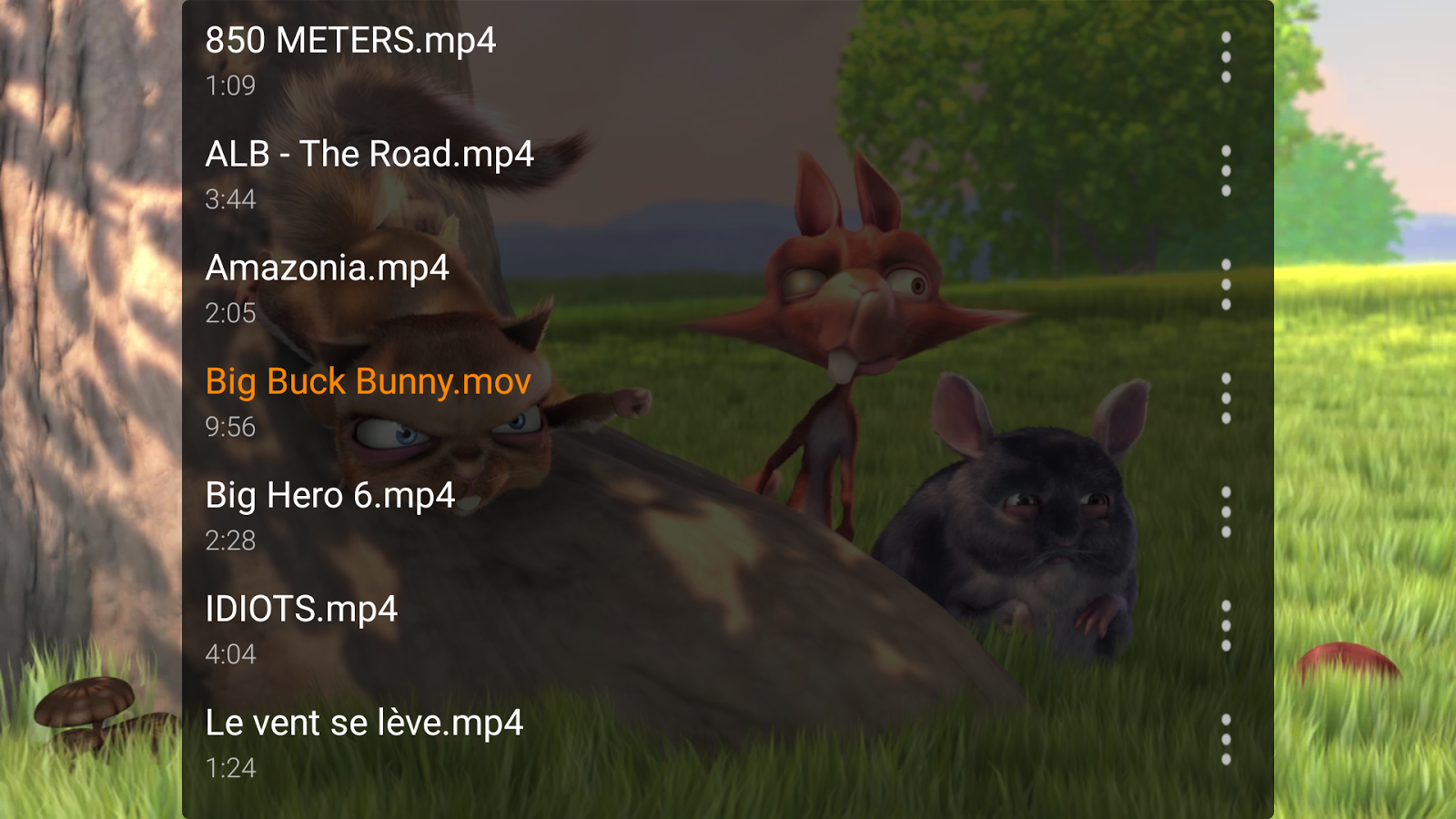
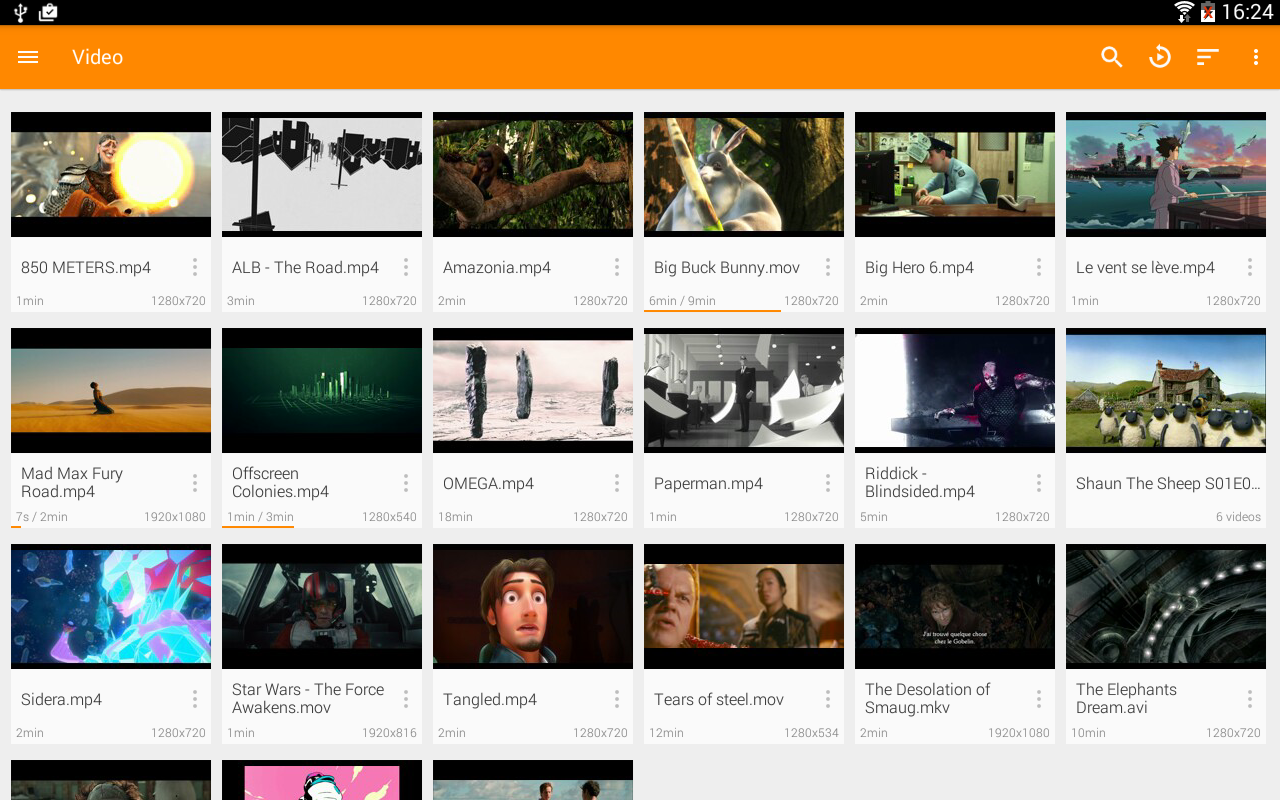
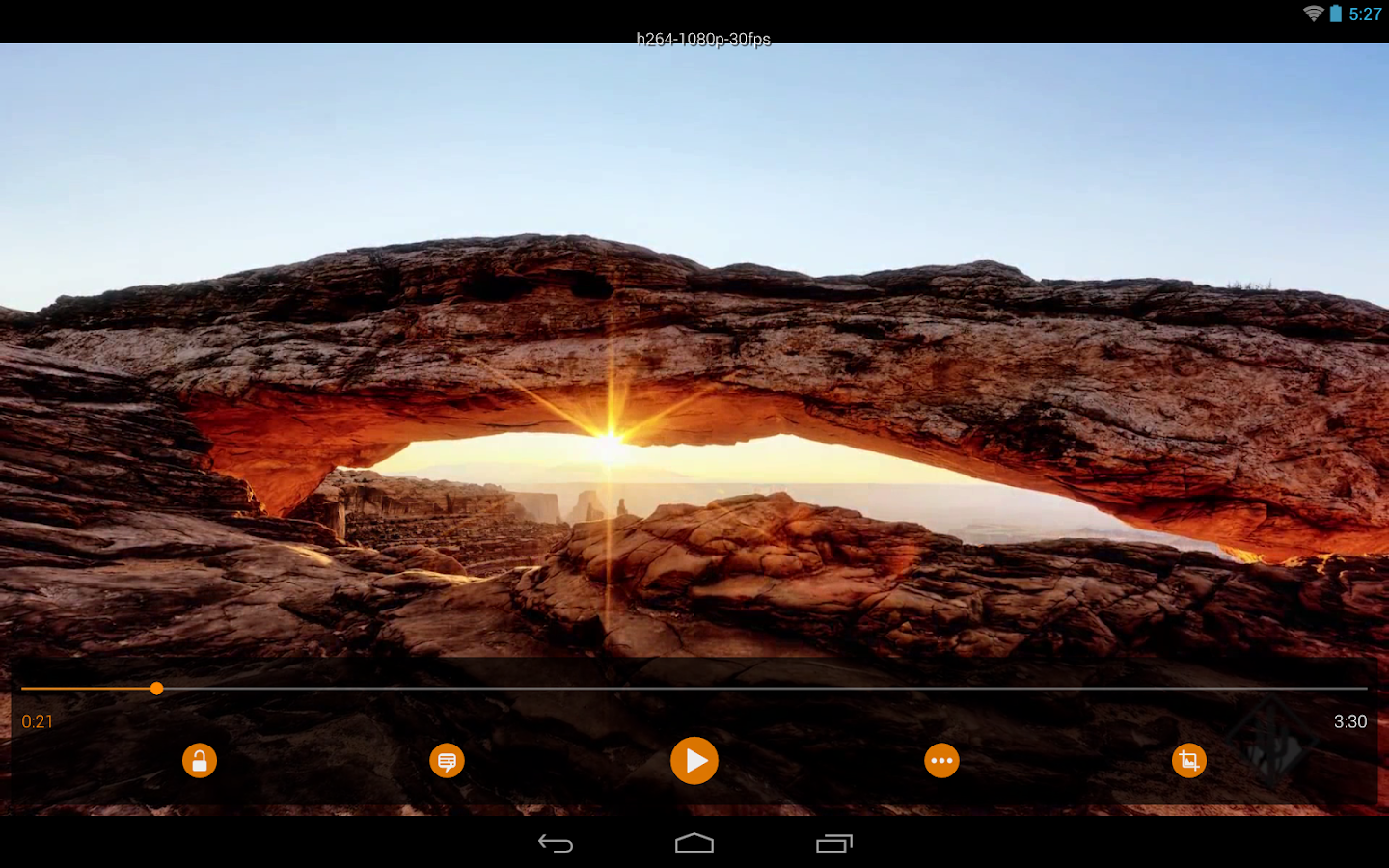
This is the port of VLC media player to the Android™ platform. VLC for Android can play any video and audio files, as well as network streams, network shares and drives, and DVD ISOs, like the desktop version of VLC.
VLC for Android is a full audio player, with a complete database, an equalizer and filters, playing all weird audio formats.
VLC is intended for everyone, is totally free, has no ads, no in-app-purchases, no spying and is developed by passionate volunteers. All the source code is available for free.
Features
––––––––
VLC for Android™ plays most local video and audio files, as well as network streams (including adaptive streaming), DVD ISOs, like the desktop version of VLC. It also support disk shares.
All formats are supported, including MKV, MP4, AVI, MOV, Ogg, FLAC, TS, M2TS, Wv and AAC. All codecs are included with no separate downloads. It supports subtitles, Teletext and Closed Captions.
VLC for Android has a media library for audio and video files, and allows to browse folders directly.
VLC has support for multi-track audio and subtitles. It supports auto-rotation, aspect-ratio adjustments and gestures to control volume, brightness and seeking.
It also includes a widget for audio control, supports audio headsets control, cover art and a complete audio media library.
Permissions
––––––––––––
VLC for Android needs access to those categories:
• "Photos/Media/Files" to read your all media files :)
• "Storage" to read your all media files on SD cards :)
• "Other" to check network connections, change the volume, set the ringtone, run on Android TV and display the popup view, see below for details.
Permission Details :
• It needs "read the contents of your USB storage", in to order to read your media files on it.
• It needs "modify or delete the contents of your USB storage", in order to allow deletion of files and store subtitles.
• It needs "full network access", to open network and internet streams.
• It needs "prevent phone from sleeping" in order to prevent... your phone from sleeping when watching a video.
• It needs "change your audio settings", in order to change audio volume.
• It needs "modify system settings", in order to allow you to change your audio ringtone.
• It needs "view network connections" in order to monitor whether device is connected or not, to hide the streaming parts.
• It needs "draw over other apps" to start the popup menu.
• It needs "control vibration" to give feedback on the controls.
• It needs "run at startup" to set recommendations on Android TV launcher screen, only used with Android TV version.
This is the port of VLC media player to the Android™ platform. VLC for Android can play any video and audio files, as well as network streams, network shares and drives, and DVD ISOs, like the desktop version of VLC.
VLC for Android is a full audio player, with a complete database, an equalizer and filters, playing all weird audio formats.
VLC is intended for everyone, is totally free, has no ads, no in-app-purchases, no spying and is developed by passionate volunteers. All the source code is available for free.
Features
––––––––
VLC for Android™ plays most local video and audio files, as well as network streams (including adaptive streaming), DVD ISOs, like the desktop version of VLC. It also support disk shares.
All formats are supported, including MKV, MP4, AVI, MOV, Ogg, FLAC, TS, M2TS, Wv and AAC. All codecs are included with no separate downloads. It supports subtitles, Teletext and Closed Captions.
VLC for Android has a media library for audio and video files, and allows to browse folders directly.
VLC has support for multi-track audio and subtitles. It supports auto-rotation, aspect-ratio adjustments and gestures to control volume, brightness and seeking.
It also includes a widget for audio control, supports audio headsets control, cover art and a complete audio media library.
Permissions
––––––––––––
VLC for Android needs access to those categories:
• "Photos/Media/Files" to read your all media files :)
• "Storage" to read your all media files on SD cards :)
• "Other" to check network connections, change the volume, set the ringtone, run on Android TV and display the popup view, see below for details.
Permission Details :
• It needs "read the contents of your USB storage", in to order to read your media files on it.
• It needs "modify or delete the contents of your USB storage", in order to allow deletion of files and store subtitles.
• It needs "full network access", to open network and internet streams.
• It needs "prevent phone from sleeping" in order to prevent... your phone from sleeping when watching a video.
• It needs "change your audio settings", in order to change audio volume.
• It needs "modify system settings", in order to allow you to change your audio ringtone.
• It needs "view network connections" in order to monitor whether device is connected or not, to hide the streaming parts.
• It needs "draw over other apps" to start the popup menu.
• It needs "control vibration" to give feedback on the controls.
• It needs "run at startup" to set recommendations on Android TV launcher screen, only used with Android TV version.